2026-07-11
QR You
There’s a small piece of friction that happens every time you meet someone new and want to exchange contact info. Someone pulls out their phone, opens Contacts, taps the little plus icon, and starts typing a name and a number while the other person spells things out and double-checks for typos. It works, but it’s slow, and it’s exactly the kind of manual, error-prone process that a QR code was built to replace.
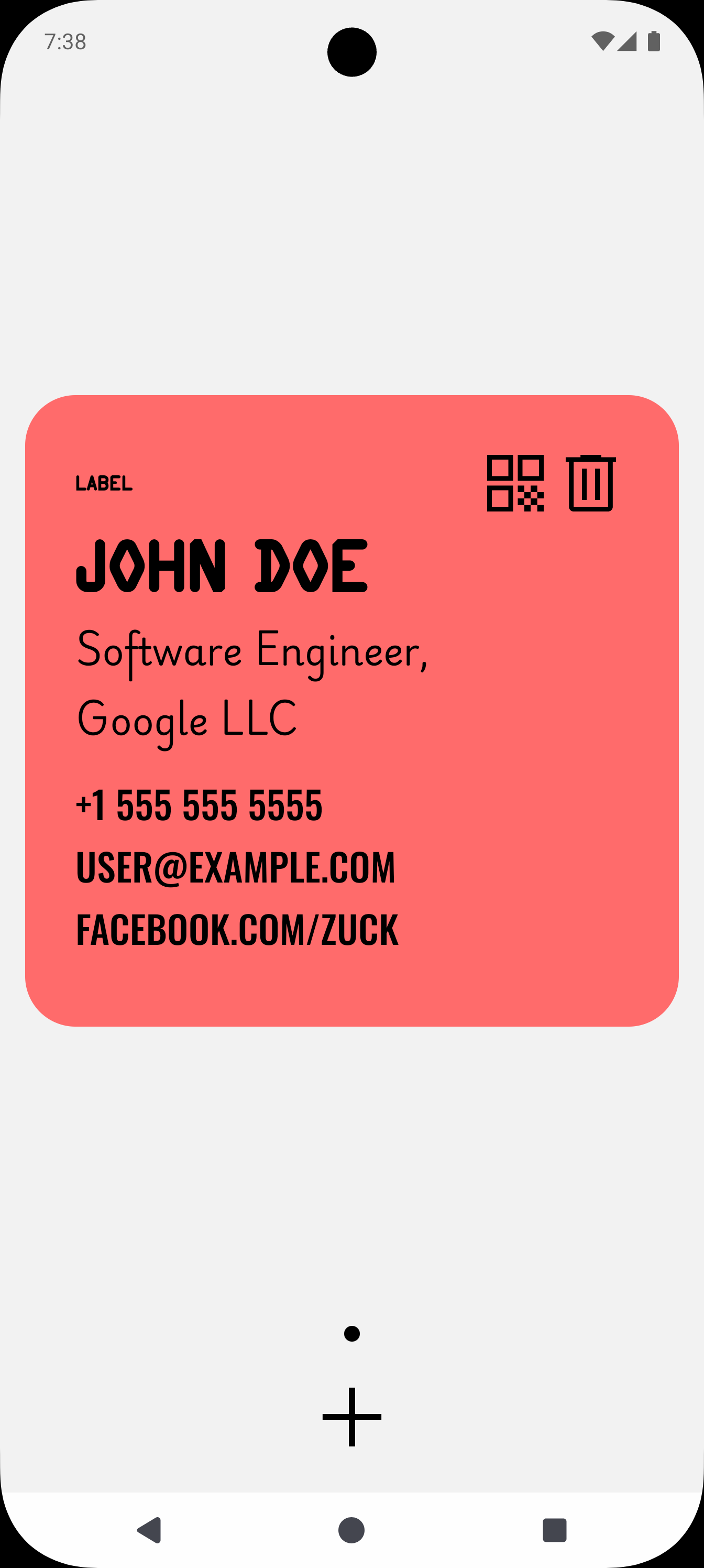
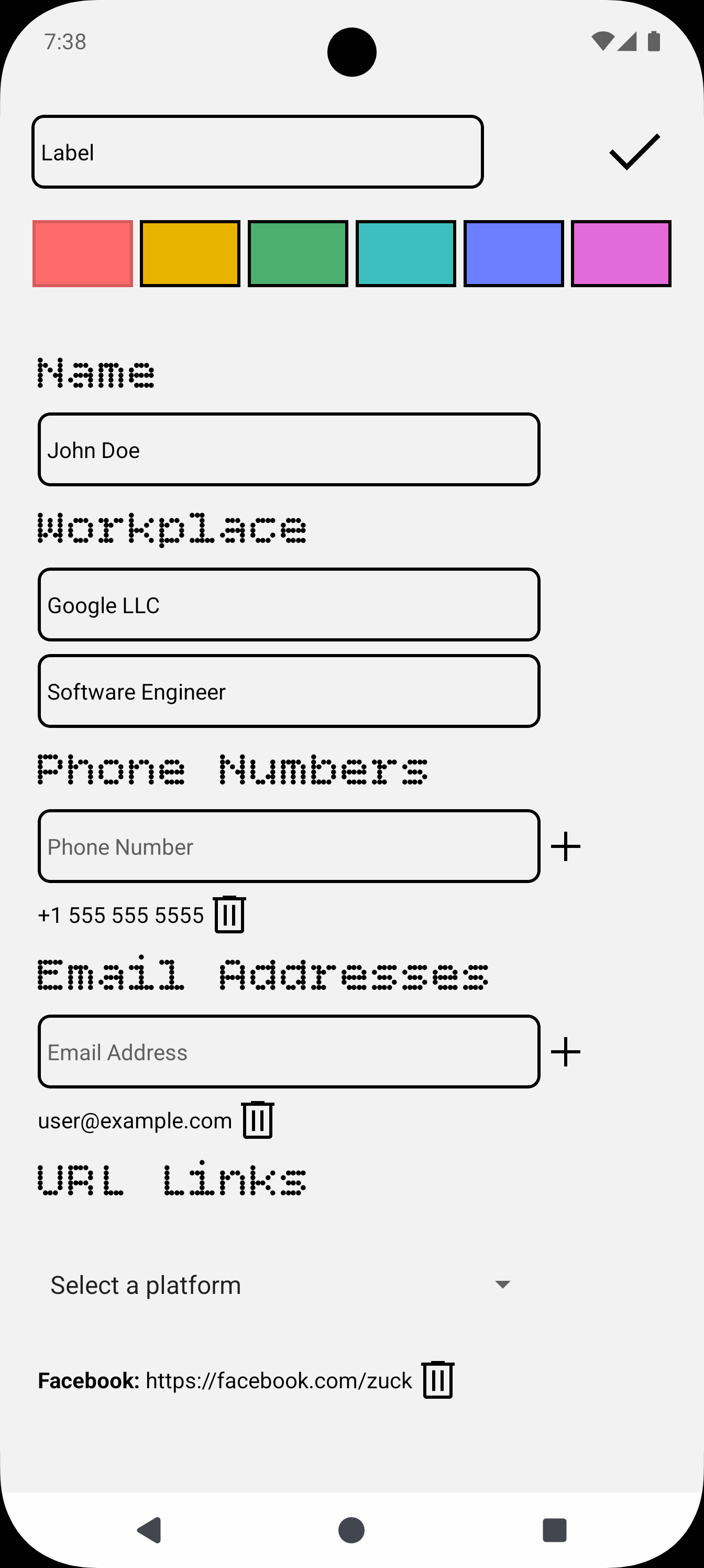
That’s the idea behind QR You, a mobile app for sharing contact details using QR codes. Instead of typing anything, you fill out a card once with your name, phone numbers, email addresses, links, and place of work, and the app turns it into a scannable code. Anyone with a phone camera can scan it and get all of that information at once, no manual entry required.
Why QR codes work well for this
QR codes are just a container. What actually gets scanned is a small block of structured text, and for contact sharing there’s already a well-established format for that: vCard. A vCard is a plain-text block that starts with BEGIN:VCARD, lists fields like name, phone, email, and organization, and ends with END:VCARD. Nearly every modern phone’s camera app already knows how to recognize that structure and offer to save it directly as a new contact.
There’s also a more compact alternative called MeCard, originally developed by NTT DoCoMo for Japanese feature phones. It trades some of vCard’s flexibility, like support for a photo or a note, for a shorter string, which makes for a simpler, denser QR code. Since QR codes get harder to scan reliably as they pack in more data, that tradeoff between how much information you include and how easily the code scans is one of the more interesting constraints of a project like this.
Why one card isn’t enough
Not everyone wants to hand the same information to everyone. A recruiter at a conference doesn’t need your personal cell number, and a friend doesn’t need your work title. That’s why QR You supports multiple cards, so you can keep a work card, a personal card, or anything else you’d want, and hand out the appropriate one depending on who’s asking. It’s a small feature, but it’s the difference between a QR code being a static business card and being something closer to how people actually manage who gets access to what.
Under the hood
QR You is built with Expo and React Native, written entirely in TypeScript. That combination makes it possible to ship the same codebase to both iOS and Android, which matters a lot for a utility app like this, since the whole point is that it should work regardless of which phone the other person is holding.
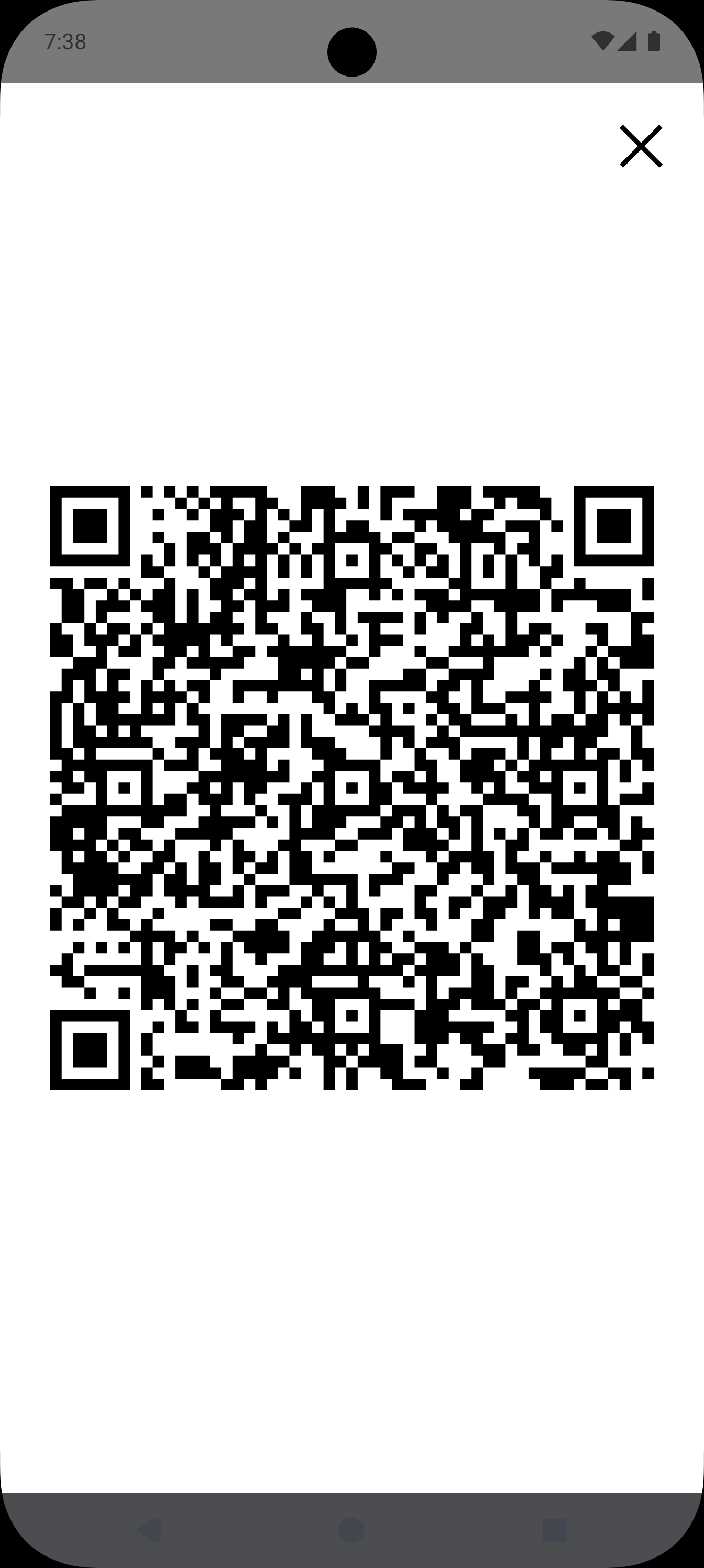
The project is still in Pre-Alpha, so the current focus is on getting the core loop right. The screenshots below show what that looks like today, a contact card view, an edit screen for filling in your details, and the generated QR code itself.
If you want to look at how any of this is actually put together, the project is open source: